By Rebecca Kangabe – CISSP
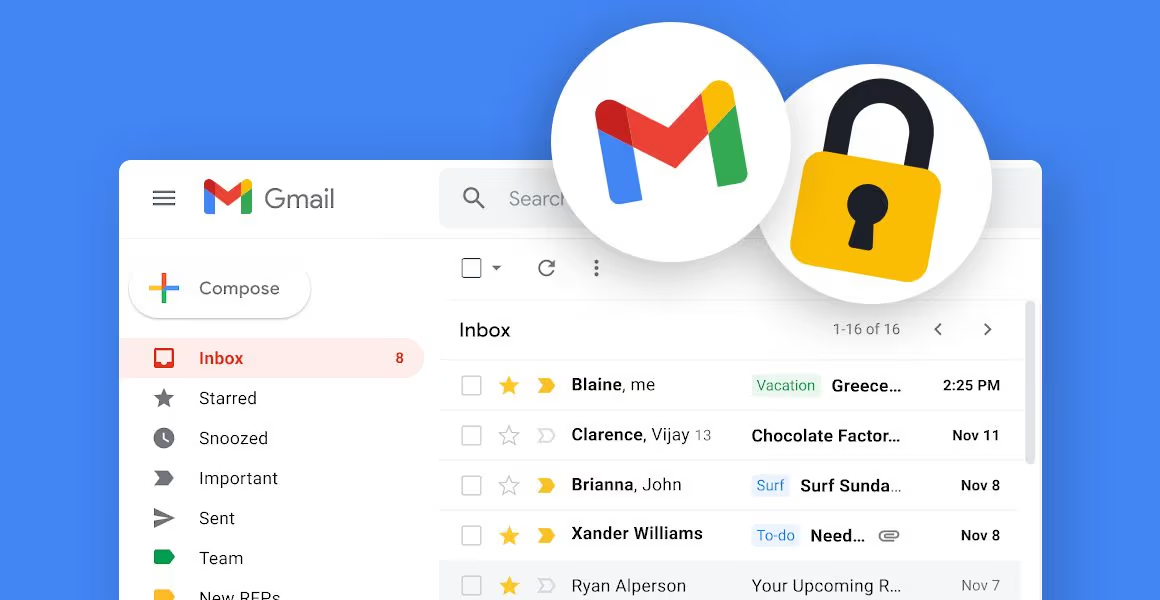
Your university Gmail account gives access to coursework, research systems, password resets, financial information, and other institutional tools. If someone gains access, they can read your emails, reset your passwords, or impersonate you.
Protecting your account protects you and the university.
1. Practice Safe Browsing Habits
Even a strong password is not enough.
- Always log out on shared devices (library, labs, colleague’s computer).
- Do not save passwords in browsers on shared computers.
- Avoid public Wi-Fi unless using a trusted VPN (e.g., eduVPN).
- Watch out for phishing emails:
- Urgent messages (“Act now!” “Account will be suspended!”)
- Slightly misspelled email addresses
- Unexpected links or attachments
If unsure, do not click.
2. Check If Someone Else Is Using Your Account
Regularly review your Gmail activity:
- Open Gmail.
- Scroll to the bottom right.
- Click “Details” under “Last account activity.”
Look for unfamiliar devices, locations, or times.
If you see anything suspicious:
- Sign out of all other sessions.
- Change your password immediately.
- Enable 2-Step Verification.
3. Review Connected Apps
Some apps may have access to your Gmail.
- Go to your Google Account → Security.
- Check “Third-party apps & services.”
Remove:
- Apps you don’t recognize
- Apps you no longer use
- Apps with full email access
4. Enable Two-Factor Authentication (2FA)
Turn on 2-Step Verification in your Google Account.
This adds a second layer of protection (code to your phone, authenticator app, or security key).
Even if someone steals your password, they won’t be able to log in without the second step.
5. Use a Strong, Unique Password
Your password should:
- Be 8–16+ characters
- Include uppercase, lowercase, numbers, and symbols
- Not be reused on other websites
Reusing passwords increases risk.
6. Turn On Security Alerts
Make sure:
- Your recovery email and phone number are up to date
- Security alerts are enabled
- You review alerts immediately
7. If You Suspect Your Account Is Compromised
Act immediately:
- Change your password.
- Enable or reset 2-Step Verification.
- Sign out of all sessions.
- Remove suspicious apps.
- Contact the University IT Service Desk:
- WhatsApp: 0741-902525
- Call: 0312350816 (Option 1)
Final Reminder
Cybersecurity is a shared responsibility. Protecting your Gmail protects your personal data, university systems, research, and colleagues.
A few minutes of prevention can prevent serious consequences.
Stay secure. Stay aware.
For more details